Architecture
High-level OCPPLab architecture for OCPP, OCPI, data, and Dashboard.
Building blocks
Charge points --OCPP--> Gateway / proxy --> one or more CPMS backends
\
--> Core services / DB
Partners/hubs --OCPI--> Roaming stack --/
Dashboard (browser) --------> API / RSC --/
Your systems <--webhooks / APIs-------/- OCPP gateway — long-lived WebSocket connections, version-aware message handling
- Proxy — stable field URL; multi-backend routes for dual-run and cutover (Multi-backend routing)
- OCPI stack — REST modules, credentials, push/pull
- Data plane — chargers, sessions, maps, observability (Dashboard data domains)
- Dashboard — Next.js App Router operator UI (maps, chargers, sessions, org settings)
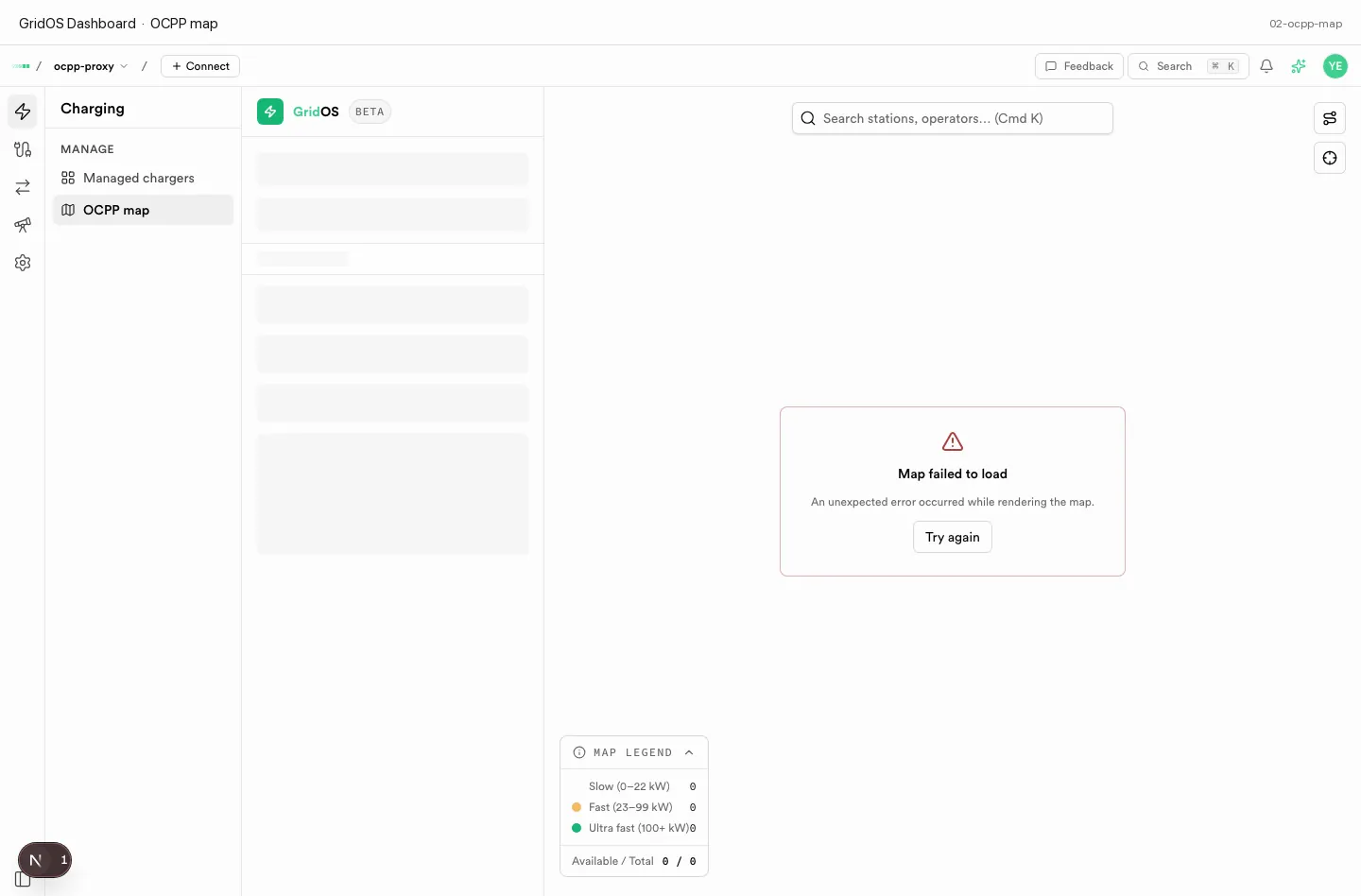
Dashboard sits on the same data plane as the gateway — maps and chargers reflect live field state.
Product surfaces
OCPPLab ships as a family of web apps that share the same design system:
- Dashboard — authenticated operator console
- Docs — this site (guides and API reference)
- Marketing site — public product pages
Shared UI tokens (ui, ui-patterns) keep surfaces visually consistent.
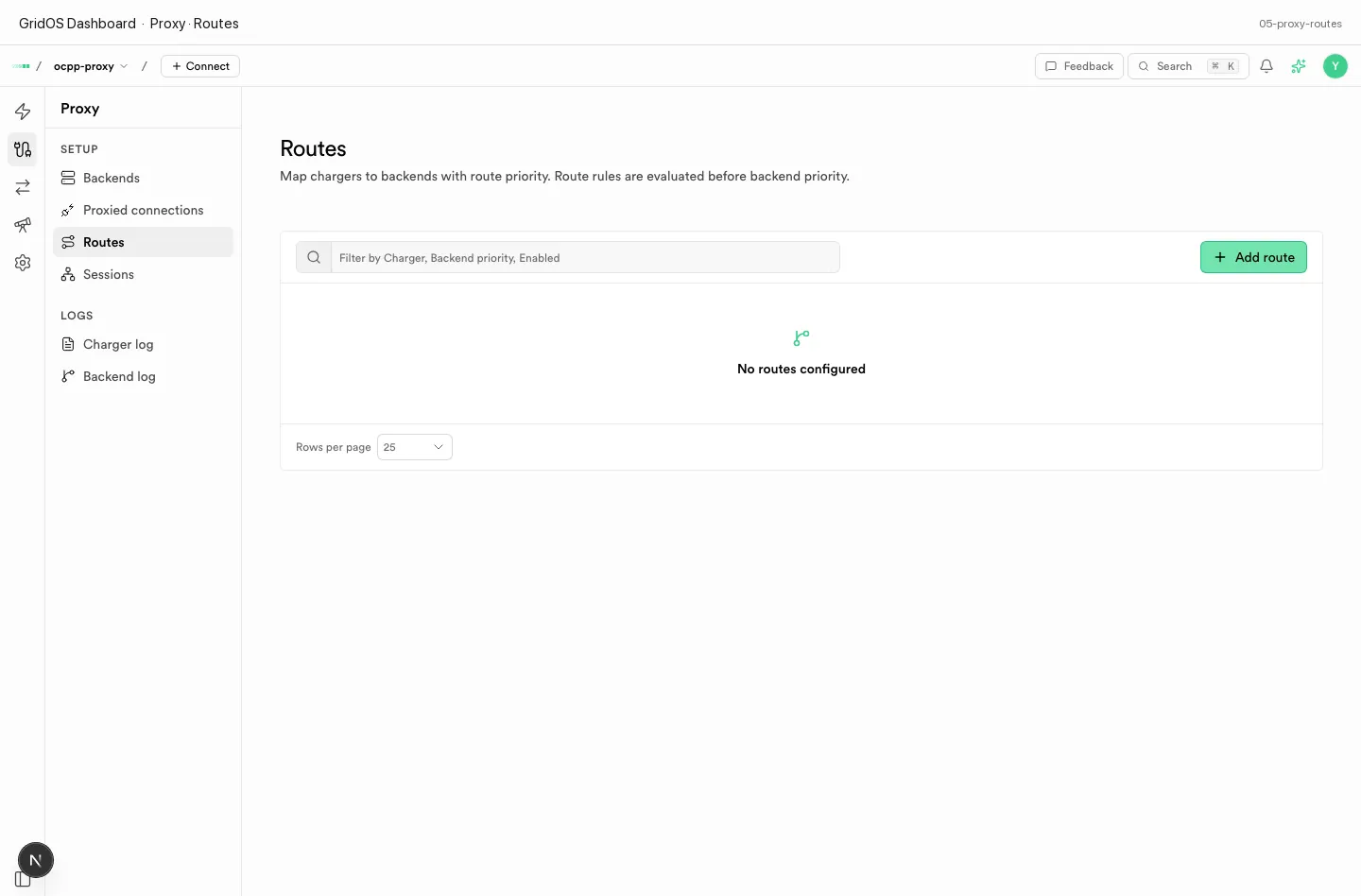
Proxy routes illustrate the gateway model: chargers keep one field URL while backends and roaming change behind it.
How data flows
- Step 1 of 4
Field connectivity
Charge points terminate on the OCPP gateway; session lifecycle is normalized into core services.
- Step 2 of 4
Roaming exchange
Partners and hubs talk OCPI; credentials and module enablement gate push/pull traffic.
- Step 3 of 4
Operator UI
Dashboard reads the same data plane operators manage day to day (maps, chargers, sessions).
- Step 4 of 4
Integrations
Webhooks and APIs push events to your billing, CRM, or automation systems.
Design principles
- Protocol honesty — surface real connection and session state; no fake demo metrics in production UI
- Multi-version — OCPP and OCPI versions coexist; prefer parallel queries
- Tenant isolation — org boundary on every sensitive path