Observability
Check OCPP and OCPI message health in the Dashboard.
Observability is the Dashboard area for traffic health:
| Section | Page | Route | What it does |
|---|---|---|---|
| Health | Observability | /dashboard/observability | Message volume and health per source: your OCPP backend, lab chargers, and OCPI partners |
Check message health
Path: Observability → Observability.
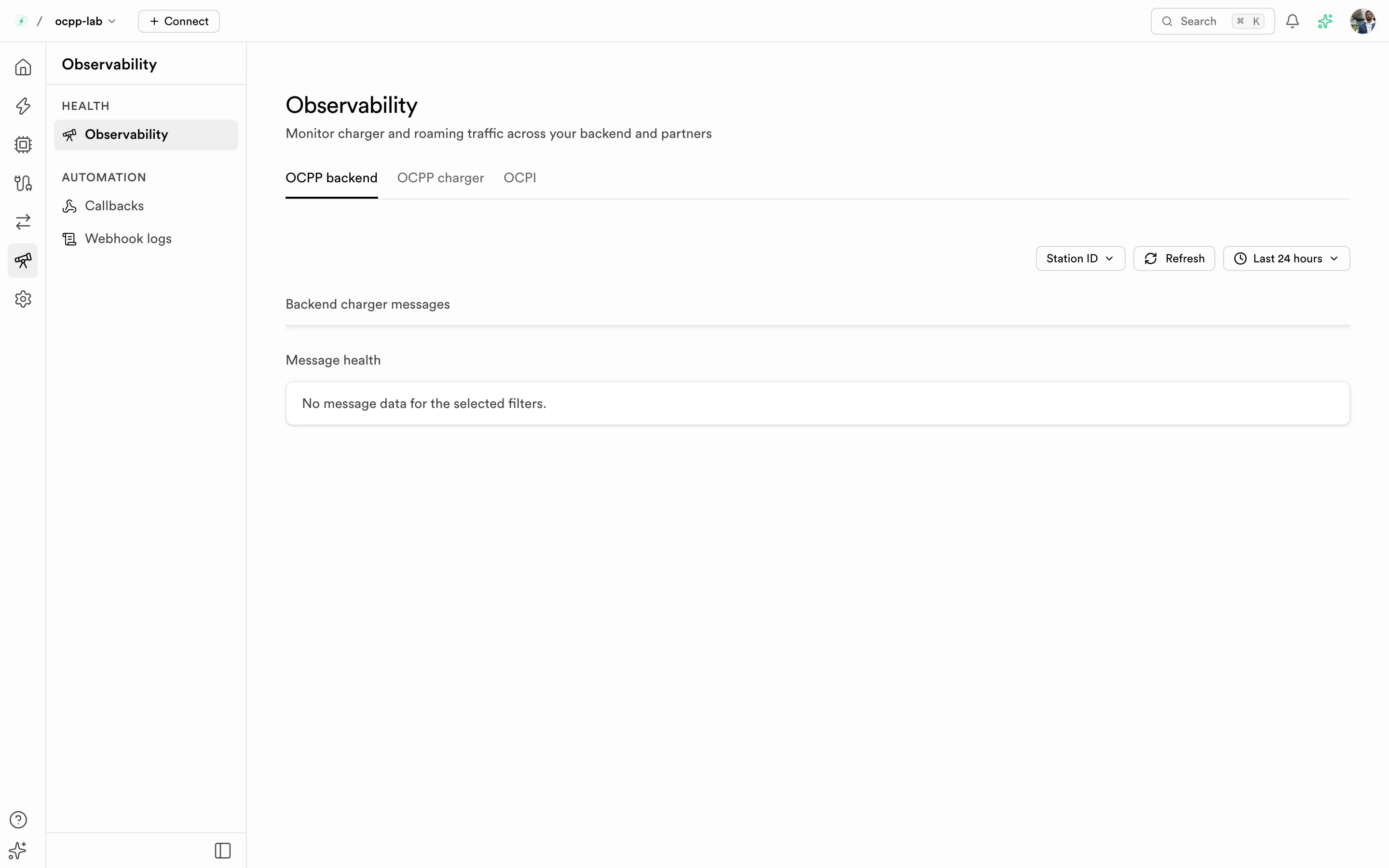
Observability — pick a source tab, then filter by station or partner and time range.
- Pick a source tab:
- OCPP backend — messages between your chargers and your CSMS, filtered by Station ID
- OCPP charger — messages from your lab chargers, filtered by Virtual charger
- OCPI — roaming requests, filtered by Partner ID
- Set the time range (for example Last 24 hours) and, if needed, one station or partner.
- Read Message health: each service shows Healthy, Unhealthy, or No data, with when it was last seen. The tab label counts unhealthy services.
No data means no messages arrived in that range — it is not a healthy result. Widen the range or clear the station filter before drawing conclusions.
Observability is included on some plans only. On other plans the page shows Upgrade required with your current plan, the plan that includes it, and View plans.
Related
- Virtual charger — the lab chargers behind the OCPP charger tab